Built for Daycare Owners
Daycare runs on licensing, staff ratios, and full enrollment. Miss one and the numbers fall apart. Lenders want to see you planned for all three.
This template shows them. Built by Dr. Paul Borosky, DBA, MBA, from 14+ years and 1,000+ client plans.
What Lenders Ask a Daycare Owner
Expect these questions. The template helps you answer them.
- Licensing: where you are in your state’s process.
- Staffing: how many teachers your enrollment requires.
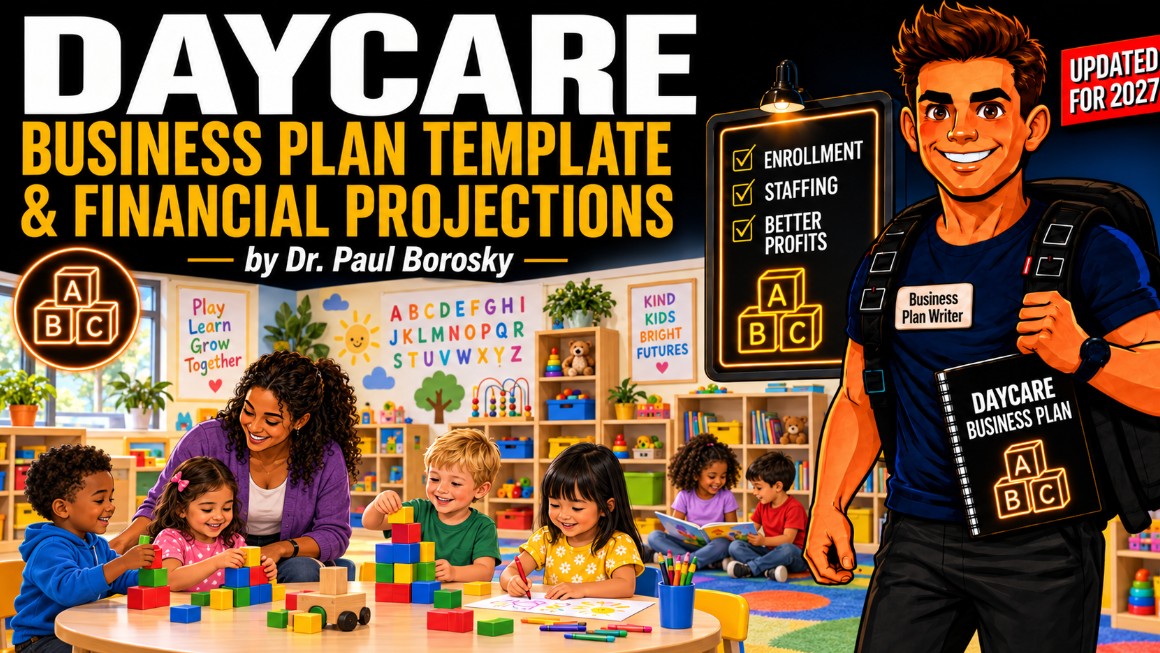
- Enrollment: how many children you need to cover the bills.
What You Get
- The Word plan. Every section laid out for a daycare: executive summary, company description, market analysis, marketing, operations, management, and the financial plan. Swap in your details.
- The Excel model. Enter your numbers. Revenue, expenses, the profit and loss (P&L) statement, and projections calculate for you.
- The videos. Dr. Paul walks you through how to use the template and how to build your financial projections.
Who It’s For
- Home daycare owners moving to a center
- First-time child care center owners
- Owners adding a second location
How to Use It
- Watch the walkthrough videos first.
- Fill in the Word plan, section by section.
- Enter your numbers in the Excel model.
- Review it before it goes to the lender.
Rather have Dr. Paul write it? See business plan writing at QualityBusinessPlan.com.
Business already running? Dr. Paul helps daycare owners price the work and protect the cash. See Dr. Paul’s consulting services for daycare owners.
Is a daycare not quite your concept? Adding after-school homework help? The tutoring company plan and financial model prices it. Parents asking for birthday party space? The business plan template for a family fun center plans one.
Tips for Expanding Your Daycare Plan
State licensors and lenders read four sections of a daycare plan most closely: Target Market, Pricing Strategy, Labor, and Location. The template writes a first pass of each. With these tips you add the children, the classrooms, and the ratios.
You will want to see the walkthrough videos first. In them, Dr. Paul completes the Word plan and the Excel model. The childcare-specific pieces are covered here.
Sections in the template: Company Summary, Target Market, Funding Request, Popular Products and Services, Competitive Advantages, Pricing Strategy, Hours of Operation, Location, Business Objectives and Timeline, Industry Overview, SWOT Analysis, Ownership, Organizational Chart, Marketing, Traditional Marketing, Networking, Internet Marketing, Social Media Marketing, Labor, Startup Costs, Monthly Fixed Costs, and Growth Rates.
1. Target Market
Add the children near you.
How to get it. Look up the share of residents under five in your county on Census QuickFacts. Then list the big employers, hospitals, and schools within ten minutes.
How to use it. Put the child count in Target Market next to the employers. Parents pick care close to home or close to work.
Add the centers already open.
How to get it. Call every licensed center and home daycare within five miles as a parent would. Ask the price by age and whether there is a waiting list.
How to use it. Report the waiting lists. A full infant room down the street is the clearest sign that your area needs more care.
Add the ages you will take.
How to get it. Decide whether you enroll infants, toddlers, preschoolers, and school-age children, or only some of them.
How to use it. State the ages and the number of spots for each. Infants need the most staff and are also the hardest spot for parents to find.
Add your hours.
How to get it. Ask parents and employers nearby when shifts start and end. Hospital and warehouse workers need care earlier and later than office workers.
How to use it. Set your hours in Hours of Operation to match. Early or late care can be the reason a family chooses you.
Add a waiting list of your own.
How to get it. Post in local parent groups and collect names of families who would enroll, with each child’s age.
How to use it. Give the count by age in the plan. It shows which classroom will fill first.
Add employer and school ties.
How to get it. Ask a large employer whether it would reserve spots for staff. Ask the elementary school about before- and after-school needs.
How to use it. Describe any agreement in Networking.
Add what parents ask on a tour.
How to get it. Tour two centers as a parent, or ask a director which questions come up on every visit, such as cameras, daily reports, meals, and nap routines.
How to use it. Answer those questions in your Popular Products and Services section, because the plan should describe the same center a parent will be shown.
2. Pricing Strategy
Add tuition by age.
How to get it. Use the prices you gathered. Set a weekly rate for each age group, since younger children cost more to care for.
How to use it. Show the rates in a table. Each age group gets its own revenue row in the Excel model.
Add your enrollment math.
How to get it. Take your licensed spots for each age and the rate for each.
How to use it. Multiply them out. Say 40 preschool spots at $220 a week with 36 filled. That is $7,920 a week from one age group.
Add the fill-up period.
How to get it. Ask two directors how many months it took to reach steady enrollment after opening.
How to use it. Start your forecast low and build it month by month. A center does not open full.
Add state subsidy payments.
How to get it. Ask your state childcare agency how its assistance program pays providers, at what rate, and how long payment takes.
How to use it. State what share of families you expect to use it. Note that the state often pays less than your private rate and pays later.
Add fees.
How to get it. Decide on a registration fee, a supply fee, and a late pickup fee.
How to use it. List them. Say whether tuition is owed when a child is out sick or on vacation, because that rule protects your revenue.
Add part-time and drop-in care.
How to get it. Ask parents whether they want two or three days a week.
How to use it. If you offer it, price it higher per day than full-time, and explain that a part-time child still holds a spot.
Add summer and school breaks.
How to get it. Ask directors how enrollment changes in summer, when school-age children arrive and some families leave.
How to use it. Show summer as its own pattern in the monthly forecast.
Add sibling and staff discounts.
How to get it. Ask directors what discount they give a second child and whether employees get reduced tuition for their own children.
How to use it. State your discounts and lower the forecast for them, since a staff child at half price still fills a full-price spot.
3. Labor
Add your state’s ratios.
How to get it. Find your state licensing rules for how many children one adult may supervise at each age and the largest group allowed in a room.
How to use it. Quote the ratios in the plan. They set your payroll more than any choice you make.
Add a staffing schedule.
How to get it. For each room, write who is there from opening to closing, including breaks and the overlap at shift change.
How to use it. Enter the positions in the Labor rows. Show that every room meets ratio at every hour, not just on average.
Add the director.
How to get it. Check what education and experience your state requires of a center director.
How to use it. Name the director and their qualifications. If it is you, state how you meet the rule.
Add teacher requirements.
How to get it. Look up the training, background checks, and health checks each staff member needs before working with children.
How to use it. Describe your hiring steps and put the cost of checks and training in the model.
Add substitutes.
How to get it. Decide who covers when a teacher is out. A room below ratio must send children home.
How to use it. Add a floater or a substitute budget to Labor.
Add the cook and the cleaner.
How to get it. Decide whether meals are made on site or delivered and who cleans each night.
How to use it. Add the roles or the contracts to your costs.
Add what keeps teachers.
How to get it. Ask directors what their turnover is and what has reduced it.
How to use it. Explain your pay and scheduling approach. Parents and licensors both notice when the faces keep changing.
Add food program reimbursement.
How to get it. Ask your state agency whether your center qualifies for the federal child care food program and what records it requires.
How to use it. If you qualify, show the reimbursement as a small offset to food cost and name who keeps the meal records.
4. Location
Add your licensed capacity.
How to get it. Ask the state licensing office how many square feet it requires per child, indoors and outdoors. Measure the usable space in each room.
How to use it. Divide the space by the rule and state the number of children the building can hold. That number is the top of your revenue.
Add the playground.
How to get it. Measure the outdoor area and ask licensing what fence, surface, and shade it requires.
How to use it. Describe the playground and put the fence and surfacing in Startup Costs.
Add fire and health approval.
How to get it. Ask the fire marshal and the health department to list what the building needs: exits, alarms, sinks, and a kitchen if you cook.
How to use it. Report what each office said and include the work in your build-out cost.
Add drop-off and pickup.
How to get it. Watch the parking lot at the hours parents would arrive. Count the spaces and check how cars enter and leave.
How to use it. Describe how drop-off works. A safe, quick lot matters to parents and to the city.
Add zoning.
How to get it. Ask the city whether childcare is allowed at the address and whether a special permit or hearing is needed.
How to use it. State the answer and the time the process takes.
Add bathrooms and sinks.
How to get it. Count the toilets and sinks and compare them with the number licensing requires for your capacity.
How to use it. If you need more, add the plumbing to your costs. It is a common reason capacity ends up lower than planned.
Add furniture and classroom materials.
How to get it. Price cribs, cots, child-size tables, shelves, toys, and books for one classroom of each age you will serve.
How to use it. Enter the cost per classroom in Startup Costs, so that adding a room later is a number you already know.
Add security at the door.
How to get it. Compare a keypad entry, a sign-in tablet, and cameras. Ask parents which they expect.
How to use it. Describe how adults are checked before a child is released, and put the system’s cost with your startup items.
FAQ
- Does it work for an in-home daycare? Yes. Adjust the location and capacity sections.
- Does it cover state subsidies? Describe any subsidy programs in the plan and enter that revenue in Excel.
Good to Know
- All sales are final. The files download instantly.
- Paid with PayPal and the download didn’t start? Use a card through Stripe.
- Download or file problem? Email Paulb@Qualitybusinessplan.com and it gets fixed within 24 hours.
- By purchasing, you agree to the Terms and Conditions.